The Death of the Password: Everything You Need to Know About Passkeys and Why They Matter
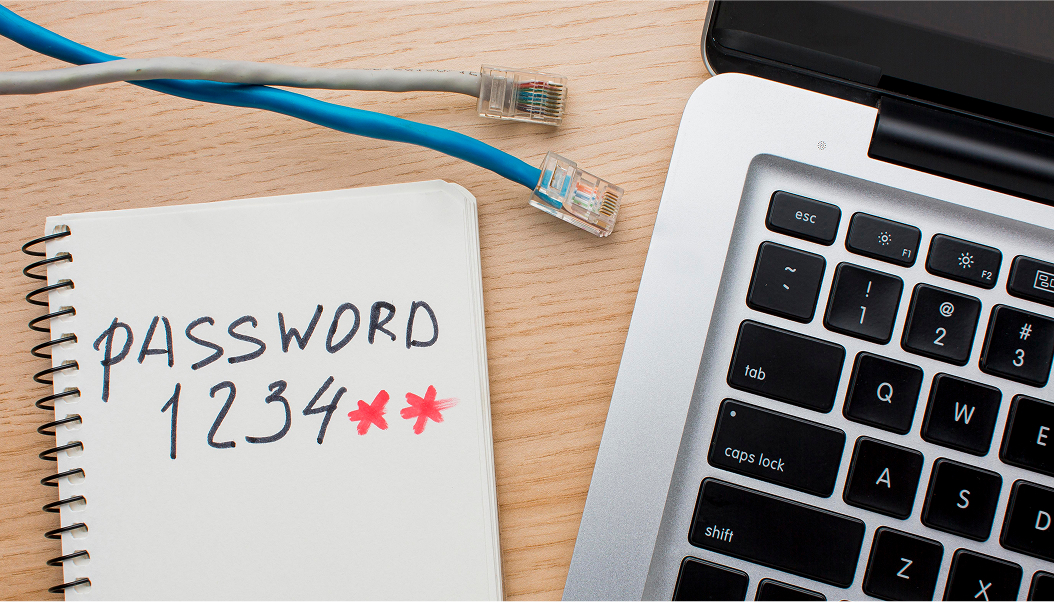
The password has been dying for years, and most of us have been too accustomed to its weaknesses to mourn its passing properly. The truth is that passwords were always a bad solution to the problem of digital authentication. They depend entirely on human memory, which is fallible. They require human behaviour, which is predictable. Most people use weak passwords, reuse passwords across multiple accounts and store them unsafely. The entire architecture of password-based security is built on a foundation that human psychology consistently undermines.
Passkeys are the replacement that the technology industry has been building towards, and in 2026 they have crossed the threshold from promising innovation to mainstream reality. Major platforms including Apple, Google, Microsoft, Amazon and an expanding list of banks, retailers and services now support passkey authentication. Understanding what they are and how they work is worth the few minutes it takes.
Passkeys are the replacement that the technology industry has been building towards, and in 2026 they have crossed the threshold from promising innovation to mainstream reality. Major platforms including Apple, Google, Microsoft, Amazon and an expanding list of banks, retailers and services now support passkey authentication. Understanding what they are and how they work is worth the few minutes it takes.
A passkey is a cryptographic credential stored on your device, your phone, laptop or tablet, tied to your biometric authentication: Face ID, Touch ID or the fingerprint reader on your device. When you create a passkey for a service, your device generates a matched pair of cryptographic keys. One key stays on your device, protected by your biometrics. The other is stored on the service's server. When you log in, the two keys verify each other mathematically. No password is ever sent, stored or transmitted.
The security implications of this architecture are profound. Passkeys cannot be stolen in a data breach because the server never holds your private key. They cannot be phished because there is nothing to trick you into revealing. They cannot be guessed because they are mathematically complex cryptographic values rather than memorable words or phrases. They cannot be reused across sites because each passkey is unique to the service it was created for.
The security implications of this architecture are profound. Passkeys cannot be stolen in a data breach because the server never holds your private key. They cannot be phished because there is nothing to trick you into revealing. They cannot be guessed because they are mathematically complex cryptographic values rather than memorable words or phrases. They cannot be reused across sites because each passkey is unique to the service it was created for.
The user experience is also, paradoxically, simpler than passwords. Logging in with a passkey means looking at your phone or touching its fingerprint reader. No typing, no remembering, no resetting. For most people who try it, the experience is so effortless that returning to passwords feels immediately archaic.
Setting up passkeys is straightforward on any modern device. On an iPhone or Android phone, the functionality is built into the operating system. When a supported service offers to create a passkey for you, accept. Your device handles everything automatically and stores the passkey in your secure credential manager, backed up encrypted to iCloud or Google Password Manager depending on your device.
Setting up passkeys is straightforward on any modern device. On an iPhone or Android phone, the functionality is built into the operating system. When a supported service offers to create a passkey for you, accept. Your device handles everything automatically and stores the passkey in your secure credential manager, backed up encrypted to iCloud or Google Password Manager depending on your device.
The transition will not happen overnight. Legacy systems will take years to fully migrate and passwords will coexist with passkeys for some time. But the direction of travel is clear and the destination is considerably more secure than where we are now.
The password had a long run. Its replacement is already in your pocket.
The password had a long run. Its replacement is already in your pocket.